Create a cron job with GitHub Actions
GitHub provides a free way to create a cron job via GitHub Actions.
To create a cron job.
- Create a
.github/workflowsdirectory in your project root directory. - In the
.github/workflowsdirectory, create aymlfile. You can name this file anything you want. I named itnightly-build.ymlto indicate that it will run every night. - Copy the following YAML contents into the
nightly-build.ymlfile:
name: Nightly build
on:
  schedule:
  - cron: '0 0 * * *'
jobs:
  build:
    runs-on: ubuntu-latest
    steps:
    - name: Nightly command
      run: echo "Nightly command."
The part which triggers a cron job is the cron key that sits inside on.schedule.
At the specified time, the workflow will run the jobs specified in jobs. In this case, I set it to midnight (0 0 * * *).
- Commit this new file to GitHub.
That's all you need to do.
View your workflow on GitHub #
To verify that the action is registered correctly.
-
Go to https://github.com/.
-
Click the "Actions" tab.
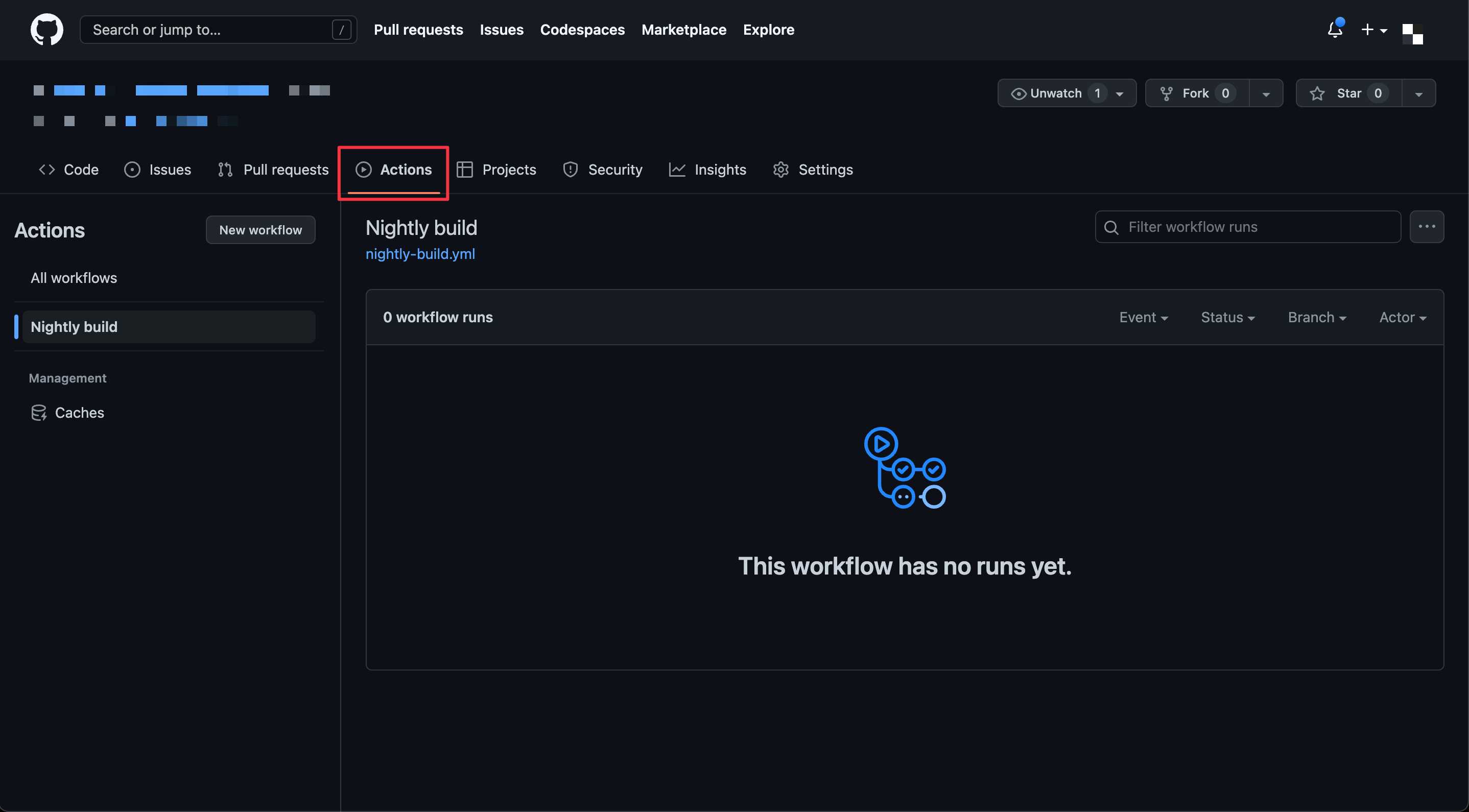
Actions.
-
In the left sidebar, you will see the workflow you just created. in this example, "Nightly build".
-
Once the specified time is met, you will see the run in the workflow history.
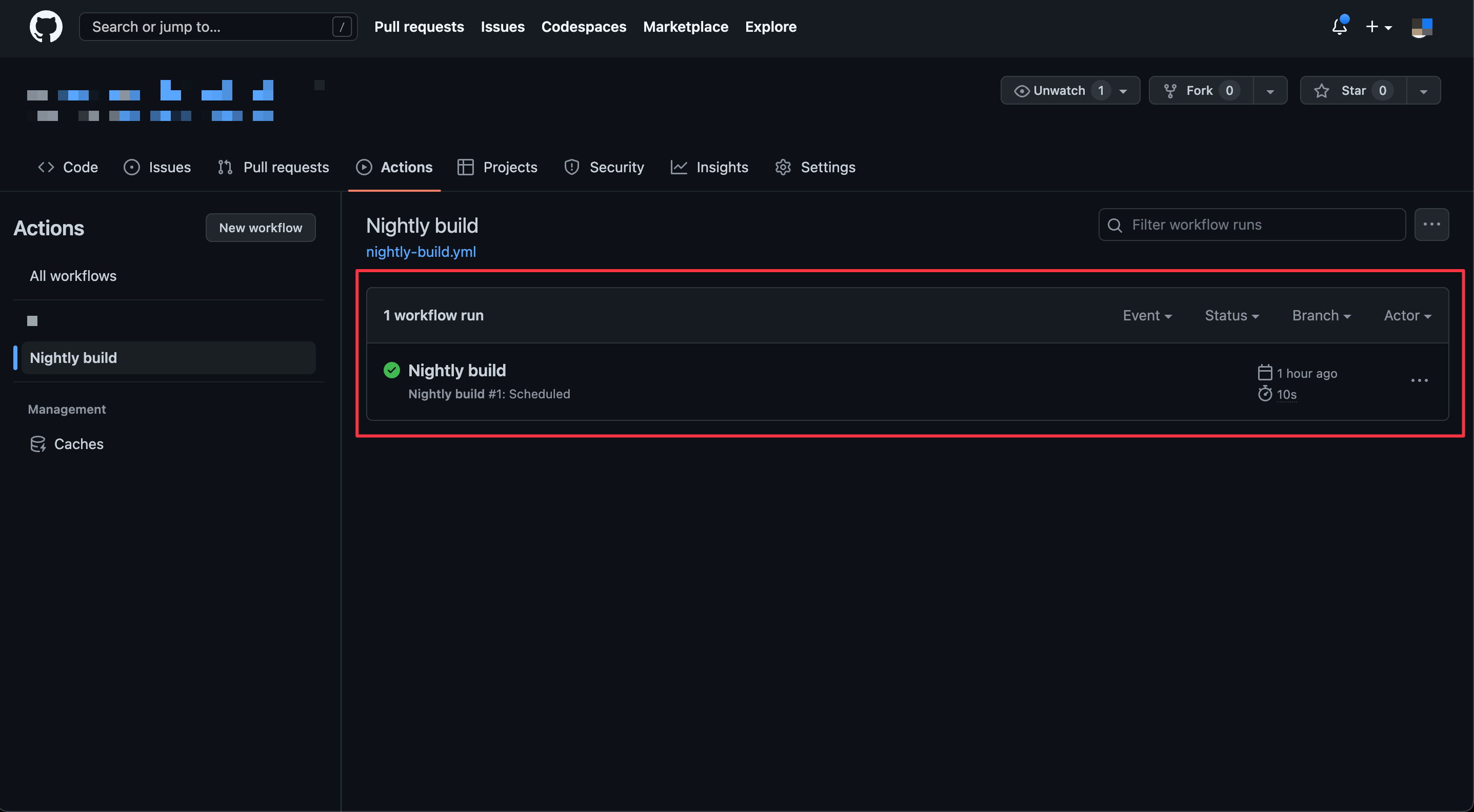
Workflow run.
-
Click on the run to see all the jobs that run in that specific workflow. In this case, we only have a "build" job.
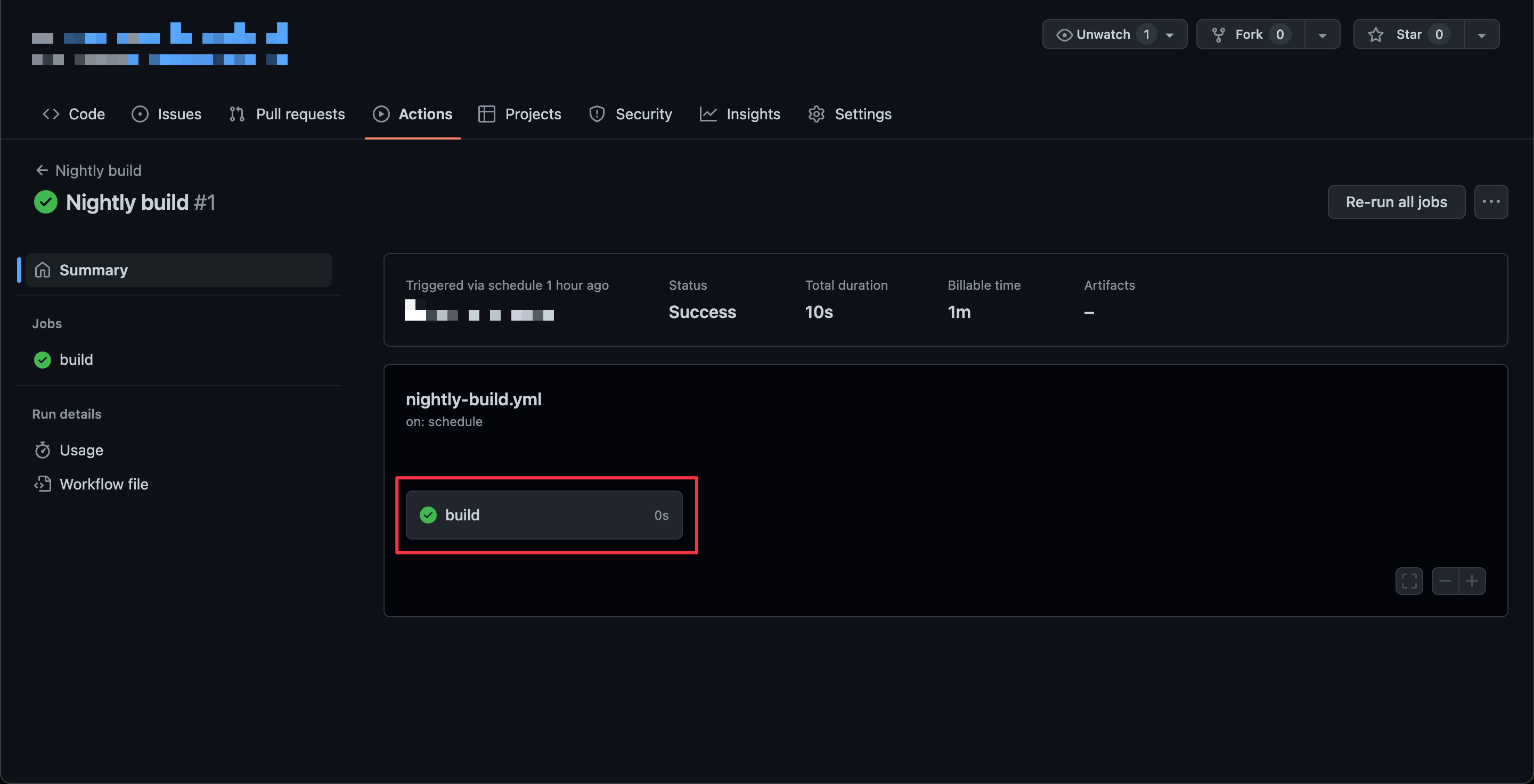
build job.
-
Click on the "build" job to see the build's detail.
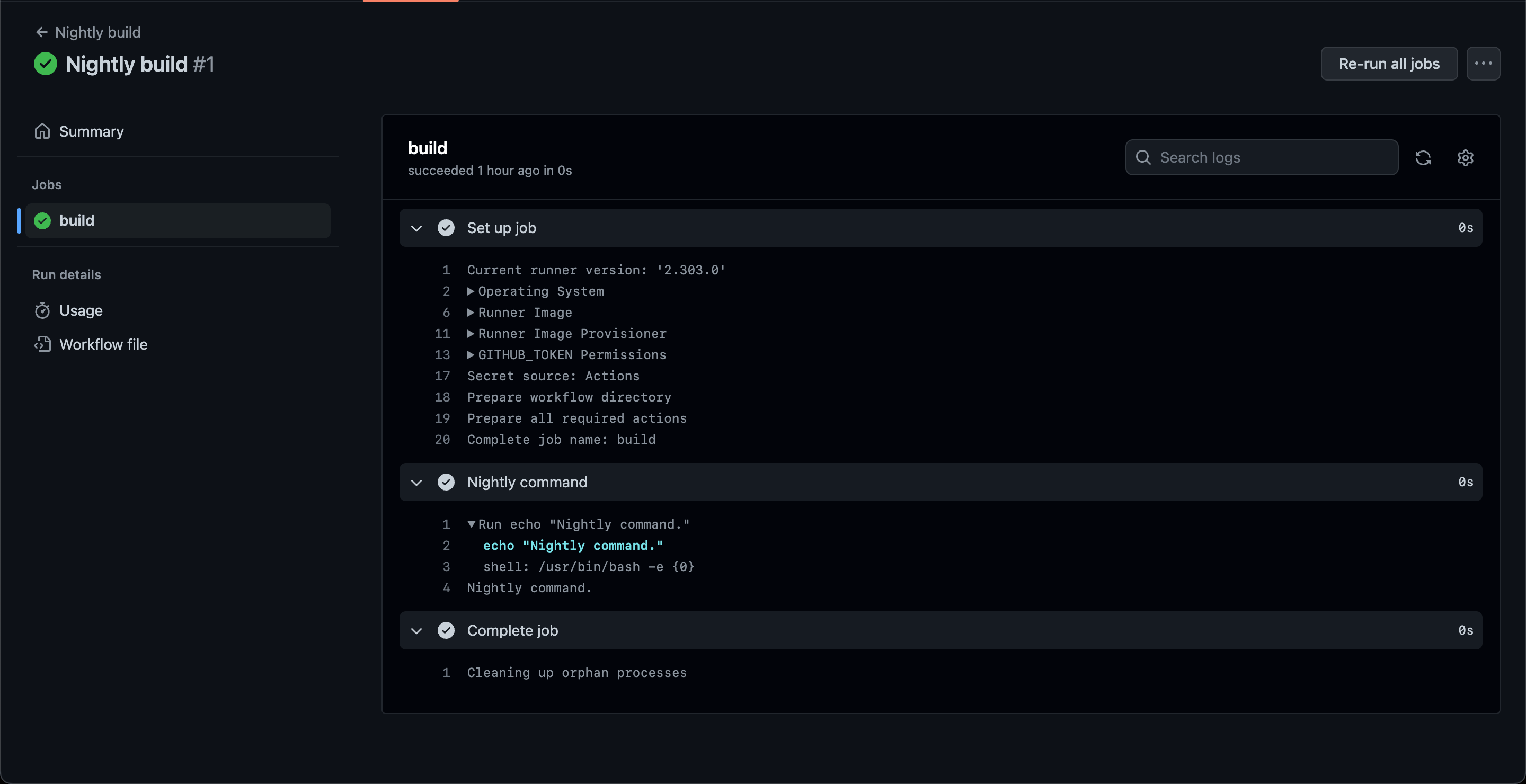
Build detail.
Things you should know about the GitHub schedule #
- The Github schedule run based on UTC times using POSIX cron syntax.
- Scheduled workflows run on the latest commit on the default or base branch.
- The shortest interval you can run scheduled workflows is once every 5 minutes.